Free. Apple Music subscription required. x86_64 Linux.
Why RingoMusic
RingoMusic brings your Apple Music library to the Linux desktop without a browser tab.
Native GNOME look
RingoMusic uses GTK 4 and libadwaita. It follows your light or dark style and your accent color. The layout adapts to narrow windows down to 360 pixels.
Desktop integration
Control playback with media keys and the GNOME Shell media controls (MPRIS). Every command has a keyboard shortcut.
Privacy
RingoMusic never reads or stores your Apple ID credentials. It has no telemetry and no tracking.
Free software
RingoMusic is written in Rust and licensed under GPL-3.0-or-later. Development is open on GitHub.
Screenshots
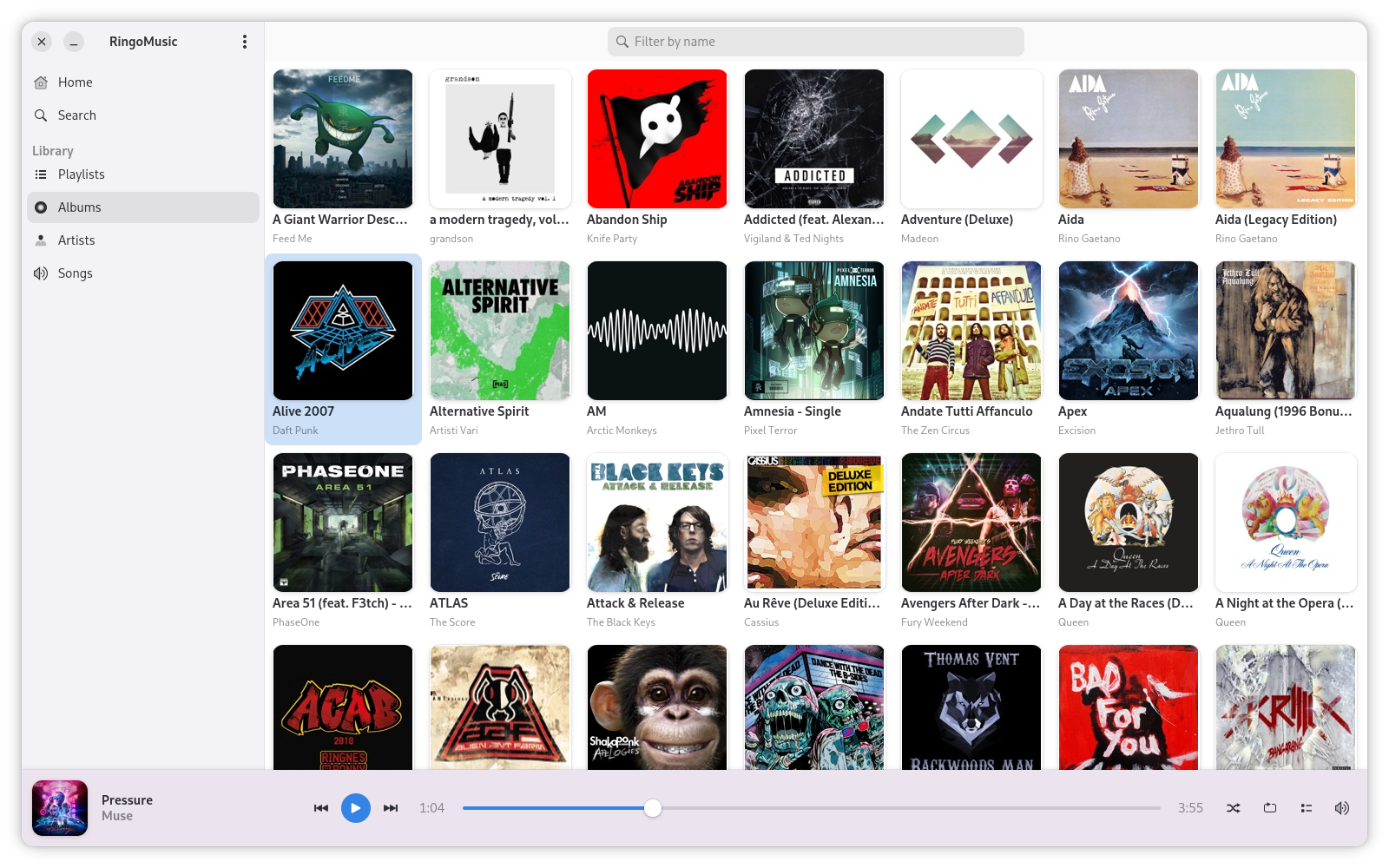
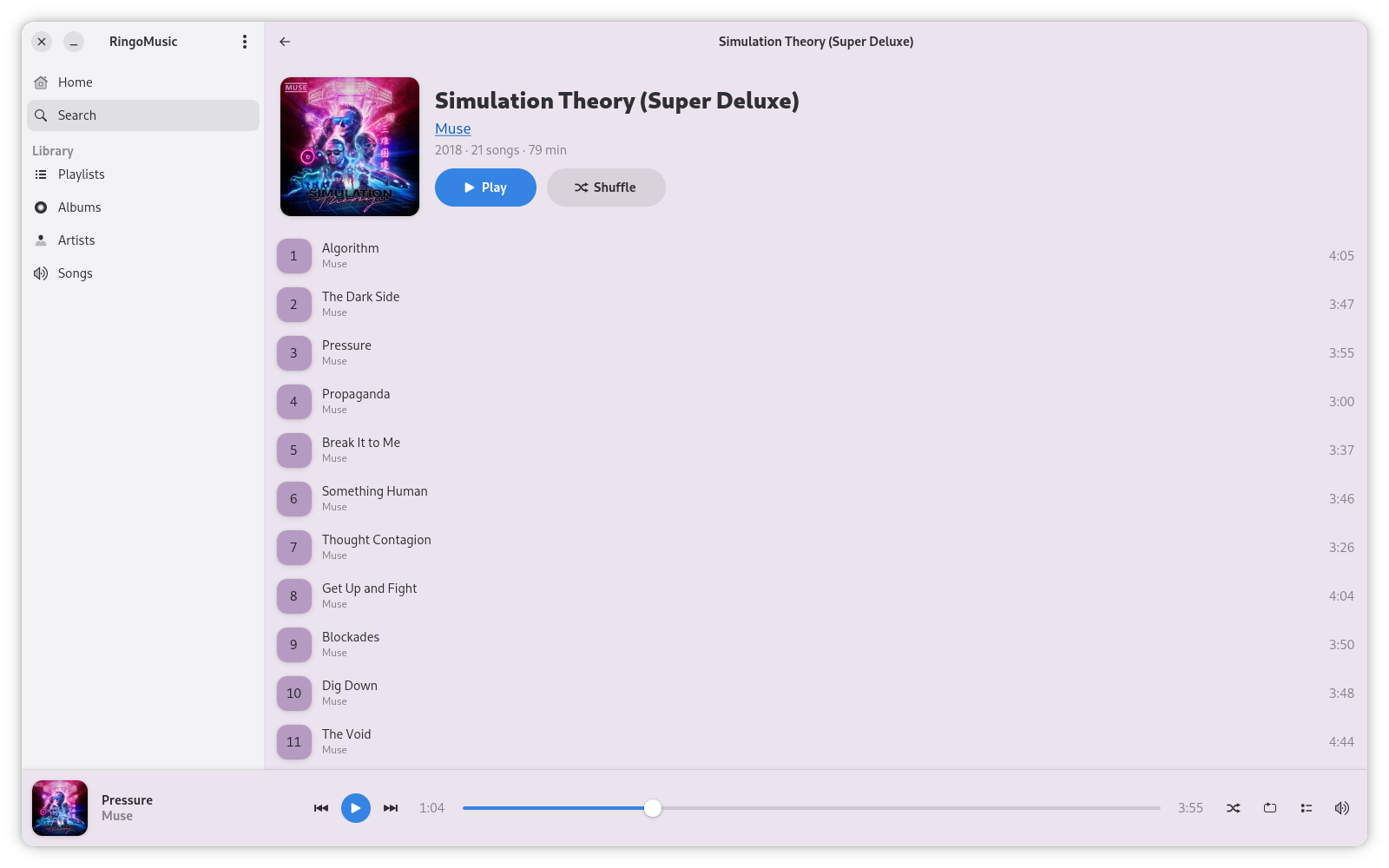
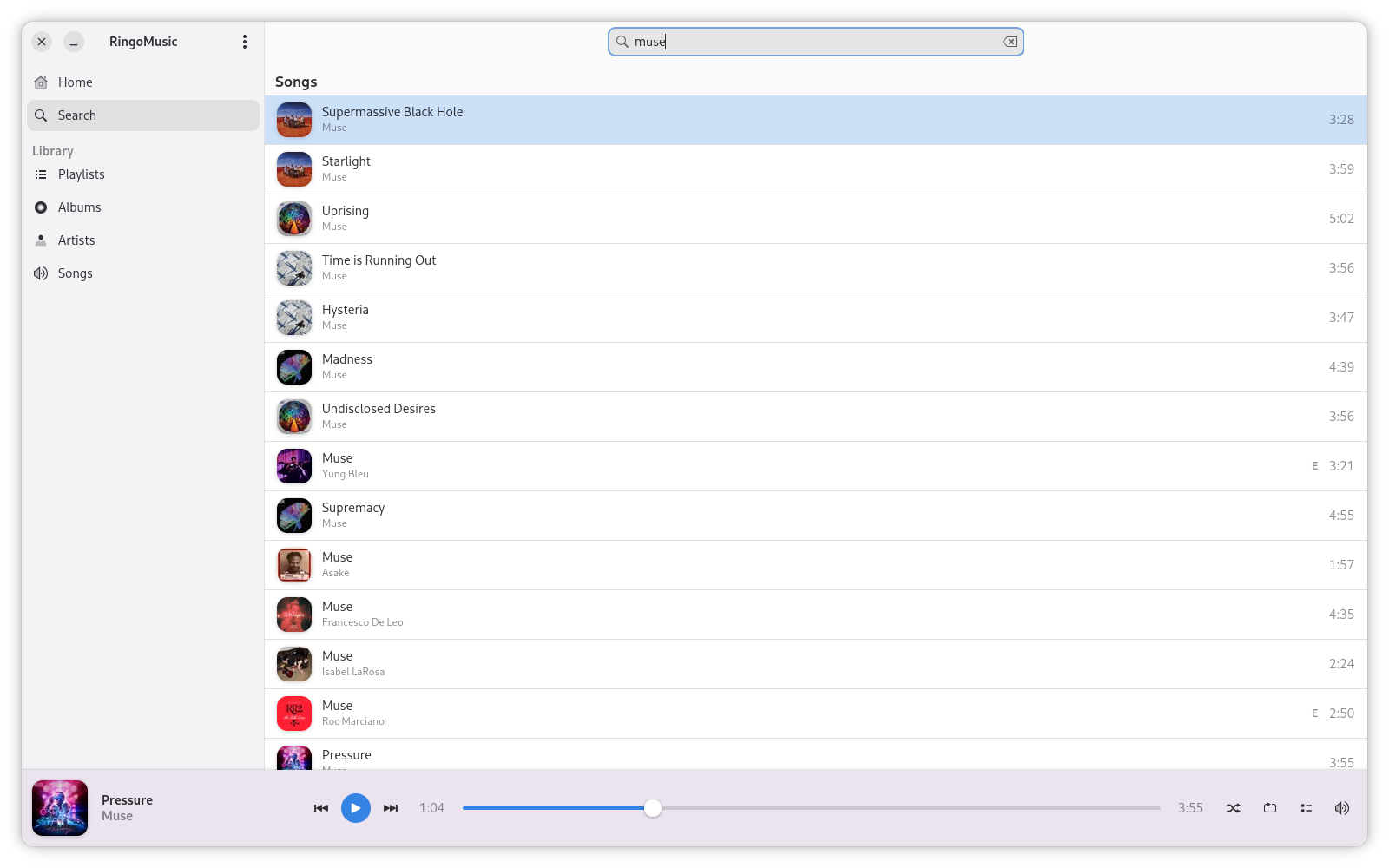
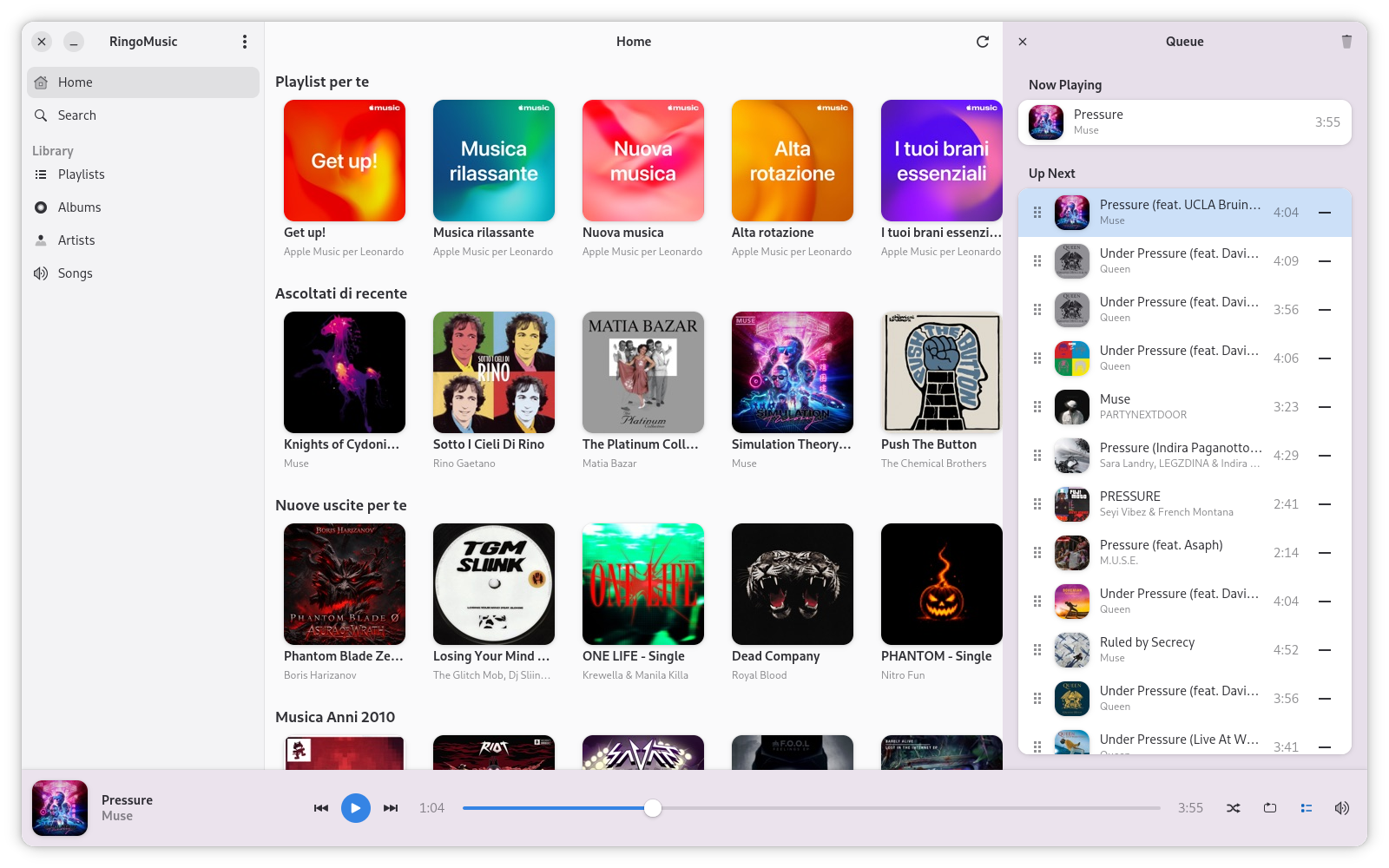
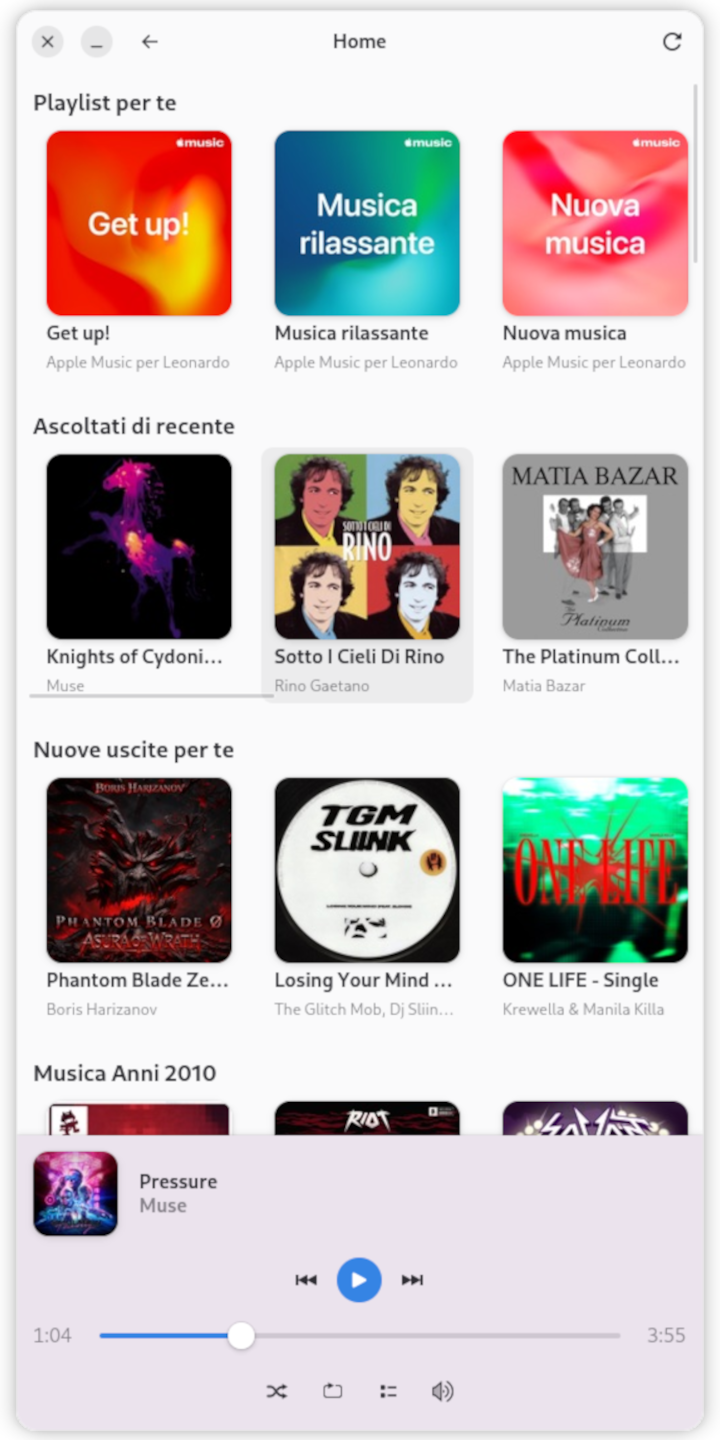
Browse, search, and play. Every view of RingoMusic follows the GNOME design guidelines.
Your library, as an album gridAlbum page with the song list
Search the full Apple Music catalogPlayback queue with shuffle and repeat
Adaptive layout for narrow windows
Keyboard shortcuts
Control RingoMusic without the mouse.
RingoMusic keyboard shortcuts
Play or pause
Ctrl + Space
Next song
Ctrl + →
Previous song
Ctrl + ←
Toggle shuffle
Ctrl + S
Cycle repeat mode
Ctrl + R
Search
Ctrl + F
Show or hide the queue
F9
Refresh the home page
F5
Preferences
Ctrl + ,
Quit
Ctrl + Q
Download RingoMusic
Get the package for your distribution from GitHub Releases. You need an Apple Music subscription.
Requirements: x86_64 Linux with GTK 4.18, libadwaita 1.7, and glibc 2.41 or newer (not needed for the Flatpak bundle). Each release includes a SHA256SUMS file. You can also build RingoMusic from source.
RingoMusic is a free, open-source Apple Music client for Linux. It is a native GNOME app, written in Rust with GTK 4 and libadwaita. Use it to browse your library, search the catalog, and play songs, albums, and playlists.
Is RingoMusic made by Apple?
No. RingoMusic is an independent project. It is not affiliated with, endorsed by, or sponsored by Apple Inc. Apple Music is a trademark of Apple Inc.
Do I need an Apple Music subscription?
Yes. RingoMusic plays music from your Apple Music account. You must have an active Apple Music subscription.
Which Linux distributions does RingoMusic support?
RingoMusic supports x86_64 Linux with GTK 4.18, libadwaita 1.7, and glibc 2.41 or newer. The minimum distributions are Debian 13, Ubuntu 26.04 LTS, and the two supported Fedora releases. Older distributions, such as Ubuntu 24.04, are not supported.
Which audio quality does RingoMusic play?
RingoMusic plays AAC at 256 kbps. The web playback path of Apple Music gives this quality only. Lossless and Dolby Atmos audio are not available.
Can I download songs with RingoMusic?
No. RingoMusic does not download, export, or record audio. This rule is permanent.
Does RingoMusic store my Apple ID password?
No. You sign in on the Apple Music web page inside the playback engine. RingoMusic never reads or stores your credentials. RingoMusic has no telemetry.
Does RingoMusic work on ARM (aarch64)?
No. No official Widevine module exists for aarch64 Linux. RingoMusic supports x86_64 only.
Is RingoMusic free?
Yes. RingoMusic is free software under the GNU General Public License, version 3 or later. The Apple Music subscription is not free.